
RaceMetrics provides real-time notifications to keep you informed about important updates. Notifications appear via a bell icon in the header and optional toast popups.
The Notification Bell
When logged in, you'll see a bell icon in the header next to your name. The bell shows:
- Red badge: Number of unread notifications (up to 99+)
- Dropdown panel: Click the bell to see recent notifications
- Mark All Read: Clear all unread indicators at once
Click any notification to view more details or navigate to the relevant page.
Notification Types
You can receive notifications for the following events:
- Non-Runners: Alerts when horses are withdrawn from upcoming races
- Going Changes: Updates when the going description changes at a course
- New Racecards: Daily notification when tomorrow's racecards are available
- Results Updated: Notification when race results and ratings have been processed
- Sectionals Available: When sectional timing data is imported (Proform Premium only)
- Price Updates: Evening (8:30pm), breakfast (7:30am), and morning (10:30am) price updates
- Competition Updates: When RM7 competitions open or leaderboards are updated
- New Features: Announcements about new site features and improvements
Toast Popups
Toast notifications appear briefly in the corner of your screen when new notifications arrive. They automatically disappear after a few seconds, or you can dismiss them manually.
Managing Preferences
Customise your notification experience from the Account Settings page:
- Bell Icon: Toggle the notification bell on/off
- Toast Popups: Enable/disable popup notifications
- Categories: Choose which notification types you want to receive
Go to Account Settings (click the cog icon) and scroll to the Notification Preferences section to configure these options.
Real-Time Delivery
Notifications are delivered in real-time using Server-Sent Events (SSE). This means you'll receive updates instantly without needing to refresh the page. If your connection is interrupted, notifications will automatically reconnect.
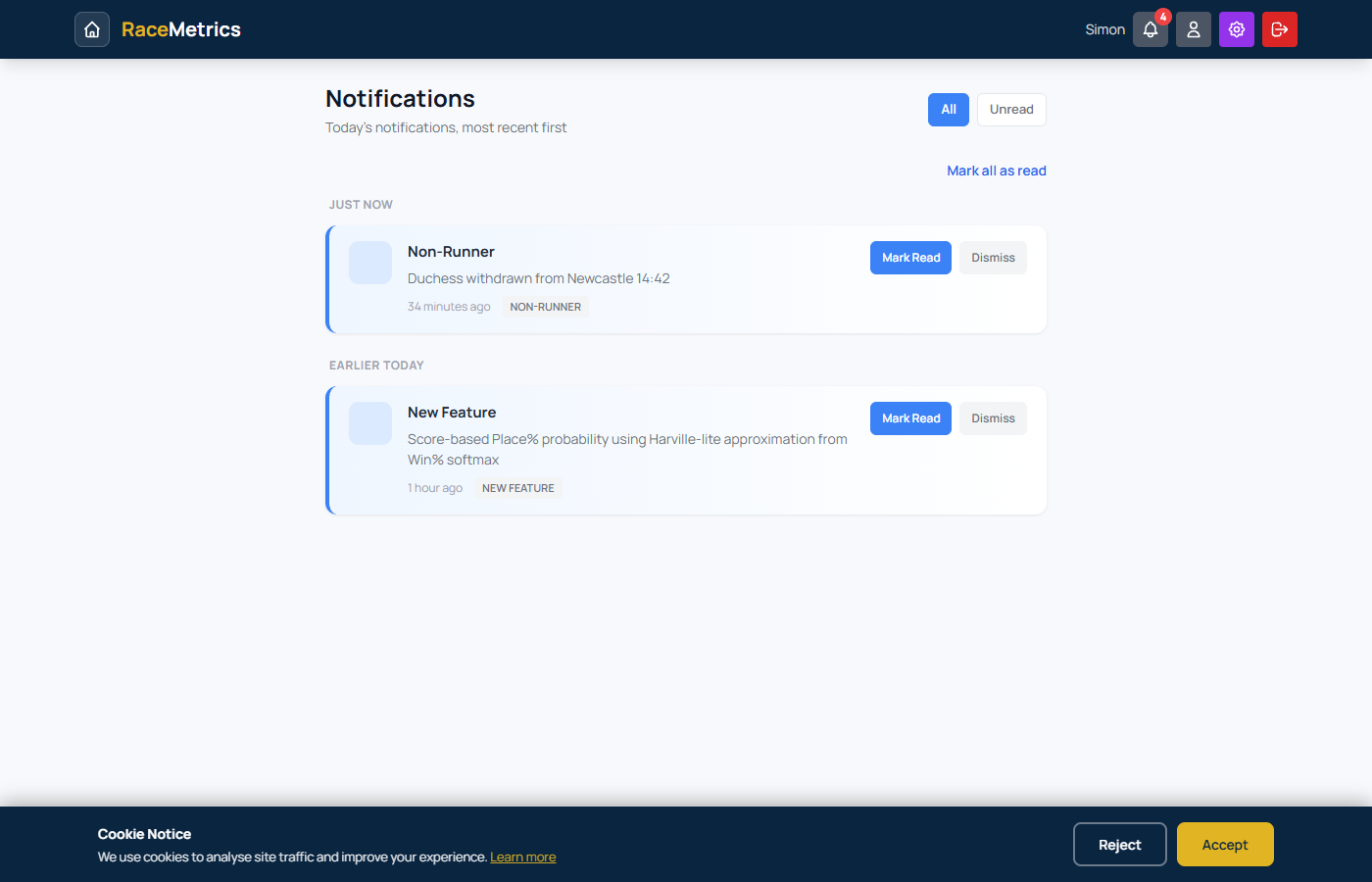
Notifications page showing non-runner alerts, feature announcements, and other notification types with read/dismiss controls