
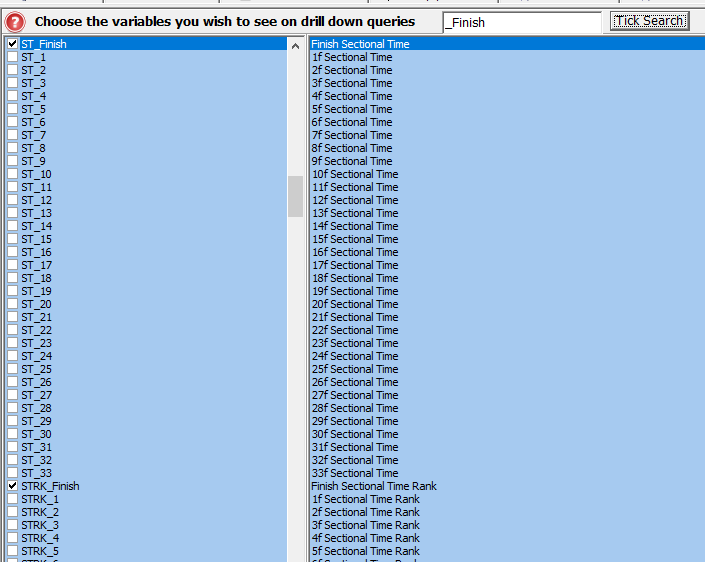
We have added all the sectional fields for ranks, values, LTO ranks and LTO values to the Preferences Tab in the System Builder.
You can add these fields so they can be seen when drilling down into queires you have run.
(Click image for larger version)
Given there are a lot of fields we have added a tick search to the top of the screen which allows you to enter any characters and click the Tick Search button to tick anything that matches what you entered.
So if you wanted all data for the final furlong you can enter _Finish and press the button for them all to be tick. Any you do not want can then be unticked manually by scrolling up and down etc
We have created an excel document explaining all the data fields you can see in Proform, plus how far back the historical sectional data goes and the data tolerances we used to block obvious data errors coming into our database, you can download this on the following link:-
DOWNLOAD the SECTIONAL DATA GLOSSARY