
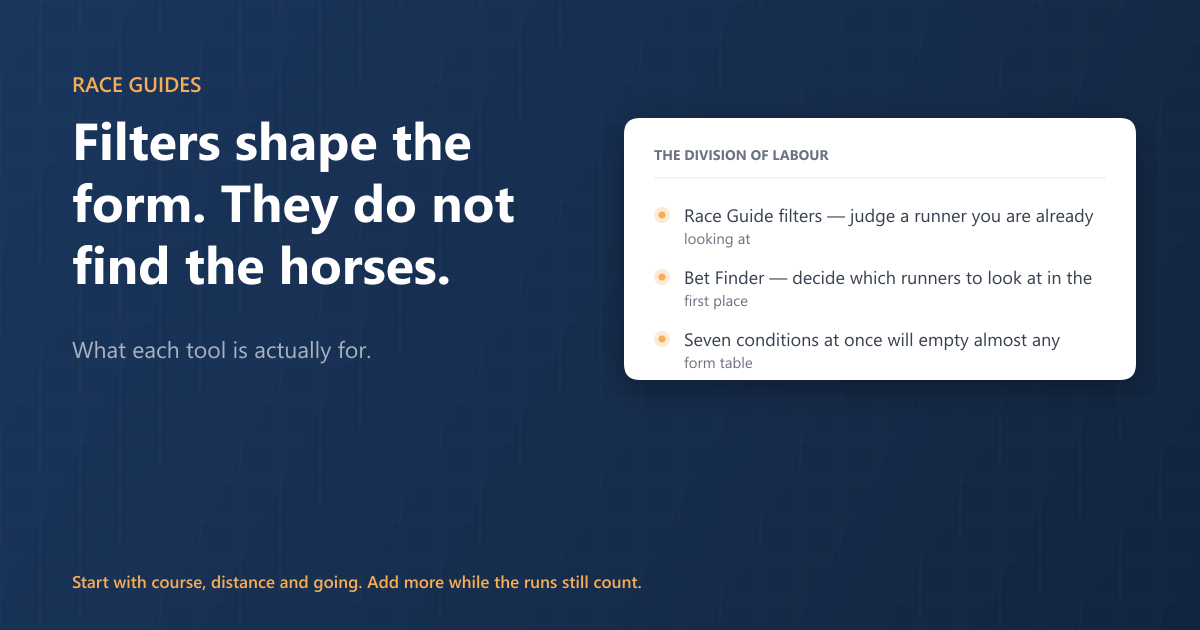
Race Guide filters change which past runs are shown for each horse already in today's race. They do not go looking for horses, they do not mark a runner as a selection, and they will never hand you a shortlist. If you want the horses picked out for you, that is a different tool — the Bet Finder.
That one sentence is the single most common misunderstanding we hear, and it is an easy one to fall into. A member wrote in this month having built a filter on his first day, expecting it to highlight a likely winner. It had sat untouched ever since, because it never highlighted anything. Nothing was broken. It was doing exactly what it was built to do — just not what he thought it did.
What the filters are for
Open a race guide and every runner comes with its form. Filters let you decide which parts of that form you want to look at. Only want to see how a horse has gone on soft ground? Filter to soft. Only interested in what it has done at this course, over this trip? Filter to those. The form table, the speed figures and the summary numbers all redraw against the runs that survive the filter.
Used that way they answer a question you would otherwise be answering by eye, one horse at a time: has this one actually done it under today's conditions, or does its record come from somewhere else entirely?
They are organised across three tabs. Time filters control how far back you look and how many runs you count. Horse filters work on what the horse did in each run — where it finished, its speed rating, the headgear it wore, how long it had been off. Race filters work on the conditions of those past races — the going, the class, the distance, the field size.
The mistake that empties the table
Along the top of the Race filters is a row called Match This Race. Each button matches one condition of today's race: course, race type, distance, going, class, direction, field size, trainer, jockey. Tick Course and you see only that horse's runs at today's track.
The trap is ticking all of them.
The filter our member built required each past run to share the course and the trainer and the jockey and the going and the distance and the class and the field size with today's race. Every condition individually is reasonable. Stacked together they describe a race that has, for most horses, never happened. He was also asking for runs where the horse won or placed, after a break of six to eight weeks, in a field of nine to twelve. The honest answer to that question is almost always nothing at all.
An empty form table is not a verdict on the horse. It means no past run met your conditions — nothing more.
Start with the two or three conditions you actually care about. Course, distance and going is a sound default: it answers "has it handled this track, this trip and this ground", which is what most people mean when they talk about proven form. Add a fourth only while the number of qualifying runs stays big enough to mean something. If you are down to one or two runs, you are reading noise.
So what finds the horses?
The Bet Finder. It works the other way round: instead of narrowing one horse's history, it goes through today's racing and returns the runners that match the angles you have picked. Angles like Down In Class, Course Winner, Course & Distance Winner, Likes Going, Likes Distance — and around two hundred others across horse, trainer, jockey, sire, damsire and owner.
Pick several and they combine: a runner has to satisfy all of them to appear. Two or three well-chosen angles will usually give you a readable list. Six will often give you an empty screen, for exactly the same reason the seven-box filter did.
So the division of labour is simple:
- Bet Finder — decides which runners are worth looking at today.
- Race Guide filters — judge a runner you are already looking at.
Most people who get value out of both use them in that order.
Saving what you build
Filter sets can be saved and named on both screens, and reloaded any day you like. Worth knowing: a saved Bet Finder filter is something you open, not something that comes to you. It does not email you when it finds a runner. If you want to be told about something specific, that is what alerts are for — you can set those on individual horses, trainers and jockeys, and they will tell you when one turns up.
If your filter shows nothing
Run through these in order:
- Count the conditions. More than three or four stacked together will empty most form tables.
- Check Match This Race. This is where conditions get added without it feeling like you added them.
- Check the date range. A short window plus a tight condition set is a very small target.
- Ask which question you are actually asking. If the answer is "which horses should I look at", you want the Bet Finder, not a filter.
And if you are not sure whether a filter is doing what you meant it to, send it to us and we will tell you what it is actually selecting. We would rather do that than have it sit unused for a month.