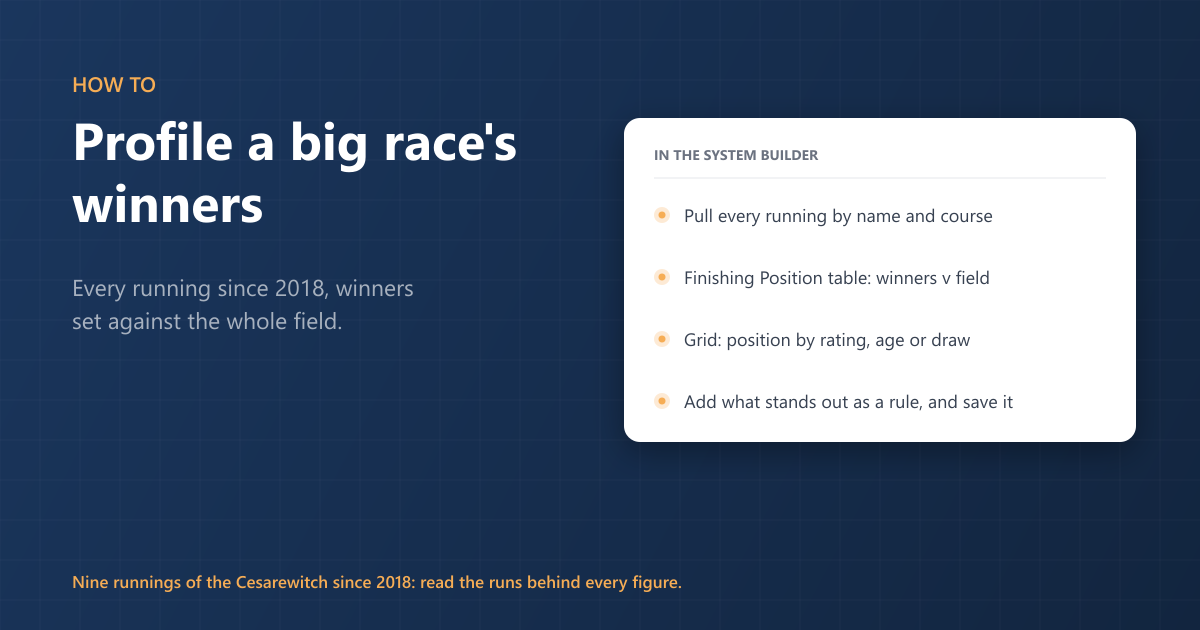
What do the winners of a race such as the Cesarewitch have in common? The System Builder answers that in a few steps, for a named race or for a course and trip, and the results go back to 2018.
1. Pull every running
Click Add a rule, search for Race Name and set it to contain the race's name, for example Cesarewitch. Add Course for the track, so a race of the same name elsewhere is left out.
Check the race names on the Runs tab, because a name can catch another race. Cesarewitch also finds the Cesarewitch Trial, run at Newmarket over the same trip each September, so add Month = October to keep the nine runnings of the race itself.
Leave Finishing Position out. You want every runner in every running, not just the winners, so the winners can be set against the field.
For a course and trip rather than a named race, use Course, Distance (furlongs), Handicap and any going or field-size rules instead.
2. Compare winners with the field
Run it, open the Breakdowns tab and choose Finishing Position. Each position gets a row, so the winners' line sits beside the rest.
For more detail, open the Grid tab. Put Finishing Position across the top and Official Rating, Age or Draw down the side. With Show set to Runs, each cell says how many runners in that band finished in that position.
3. Turn a profile into a rule
If one band stands out, add it as a rule from the table and run the system again. Check the number of runs behind each figure: a race run once a year has only nine winners since 2018, so a pattern needs to hold across the whole field, not just the winners' line.
4. Save it
Save the system and it lists qualifiers when the race next appears on a declared card.